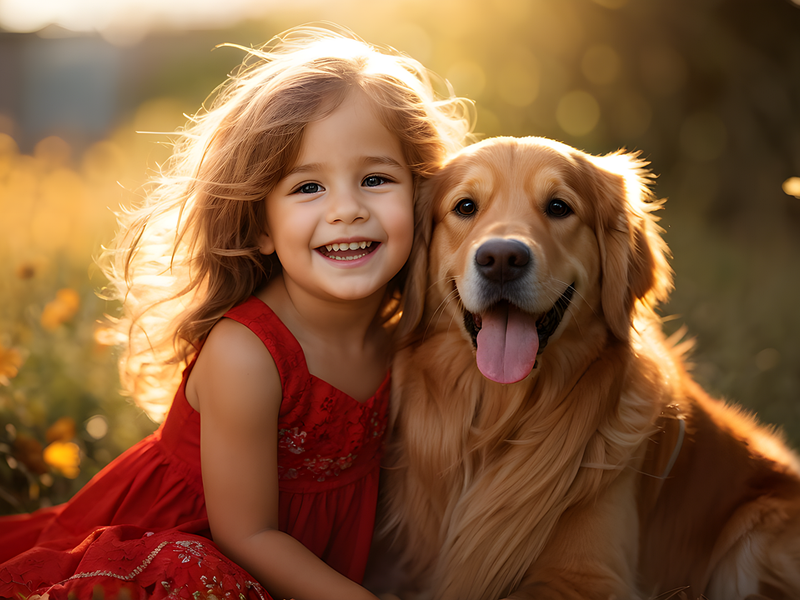
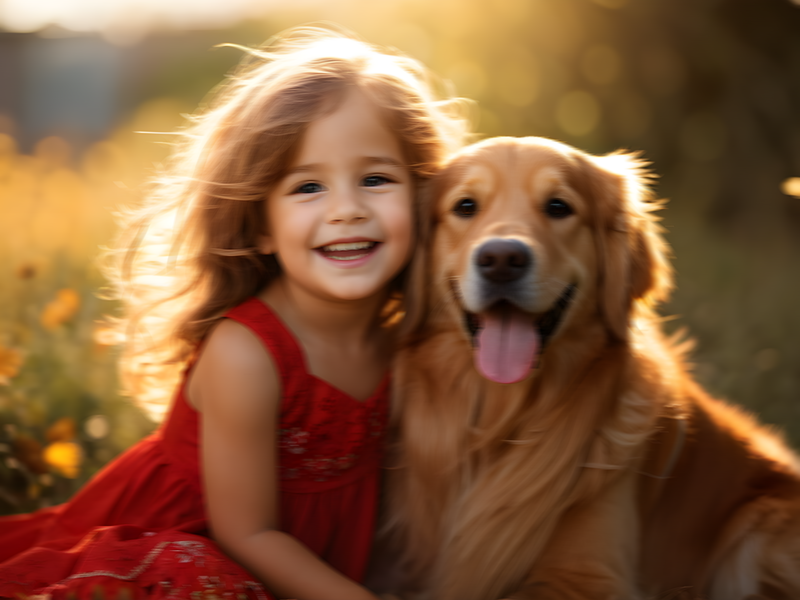
⇄
Before
After
Upload photos for advanced upscaling
Loading...
💡 Tip: You can also paste images from clipboard (Ctrl+V / Cmd+V)
By uploading an image or URL you agree to our Terms of Use and Privacy Policy.
No image? Try one of these:
AI image upscaler will enlarge and sharpen your photo in a single click. Increase image quality to 16K with our free online tool! No user login needed!
Upload photos for advanced upscaling
Loading...
💡 Tip: You can also paste images from clipboard (Ctrl+V / Cmd+V)
By uploading an image or URL you agree to our Terms of Use and Privacy Policy.
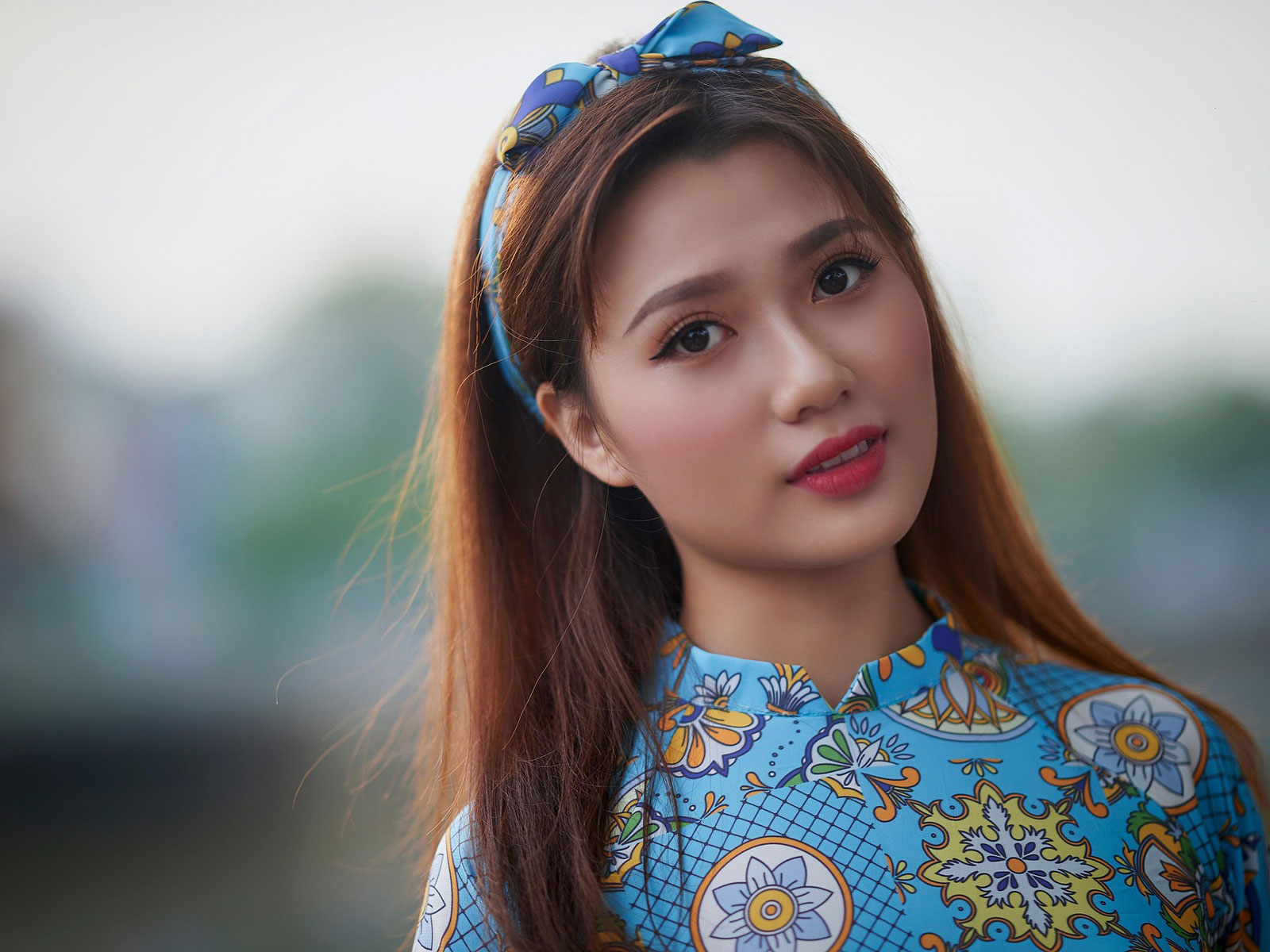

OnlineImageUpscaler.com is a powerful and easy-to-use AI image upscaler that lets you upscale image quality online in seconds for free — no login required. Whether your photo is blurry, pixelated, or low-resolution, the AI can sharpen image clarity, restore detail, and enhance overall quality with impressive accuracy. You can upload any JPG, PNG, or WEBP file and upscale images all the way up to 16K resolution, far beyond standard 4K-level upscalers.
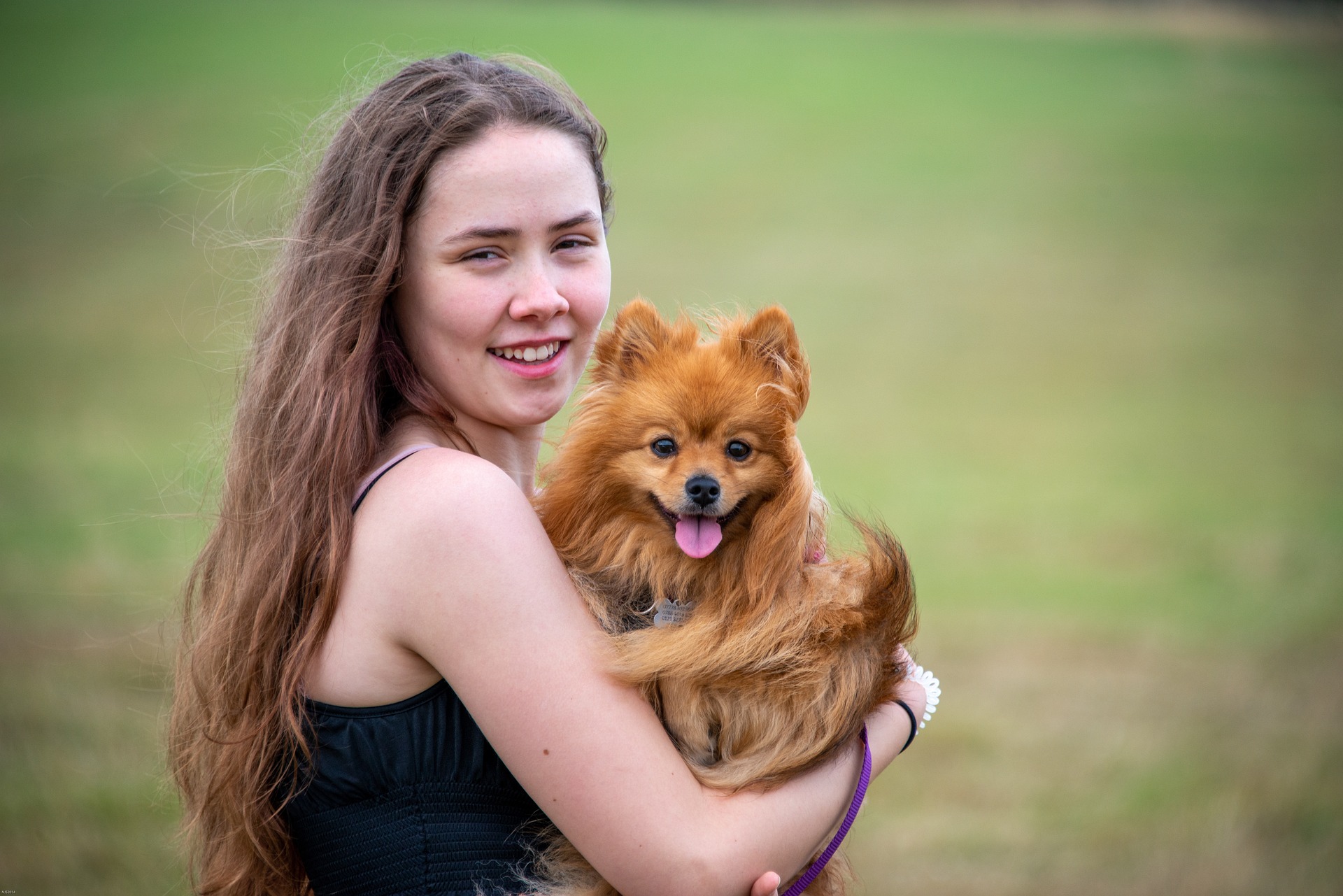
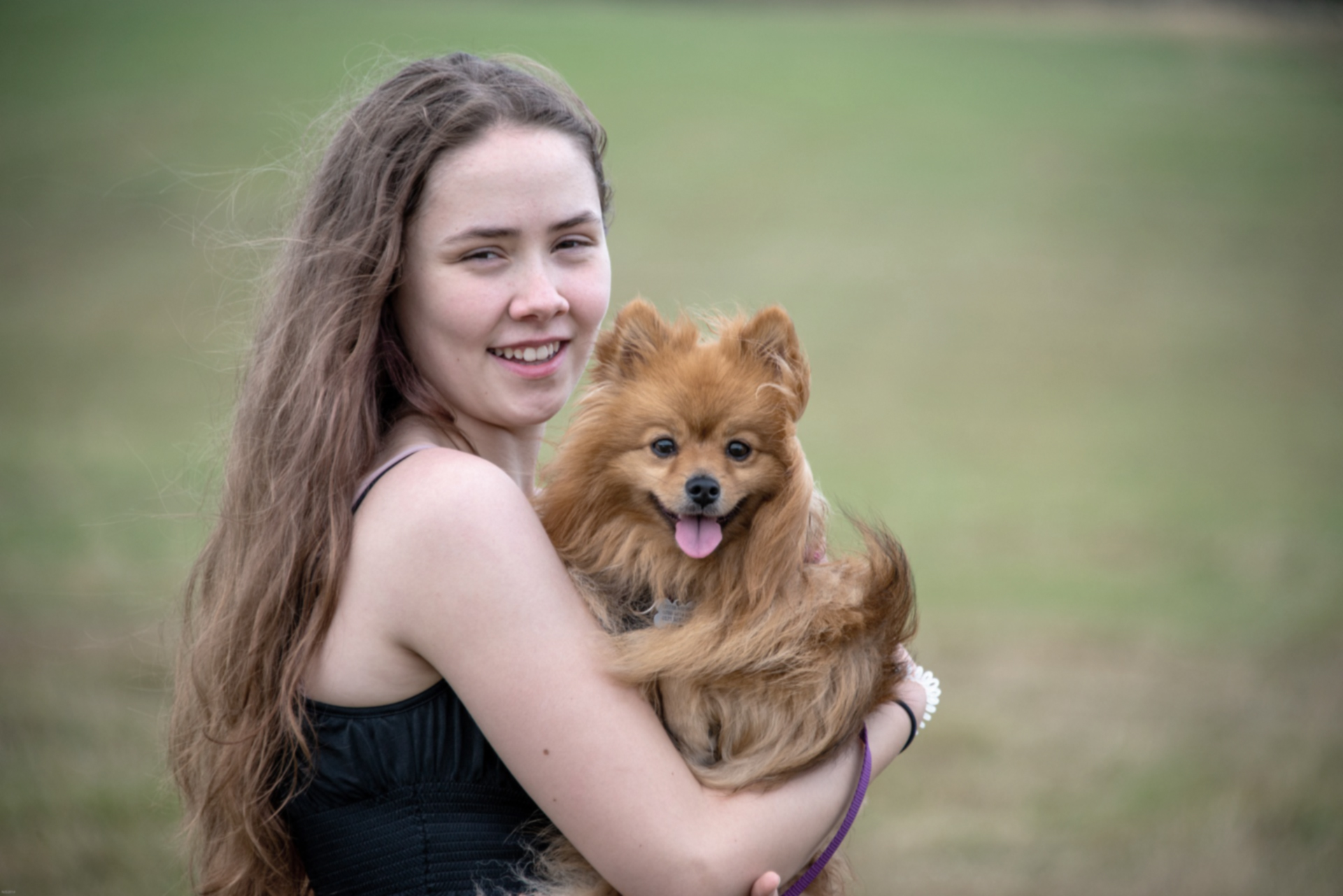
With OnlineImageUpscaler.com, you never have to sacrifice detail when increasing resolution. This photo enhancer uses advanced AI to refine textures, improve clarity, and recreate lost visual information — without stretching pixels or causing unnatural artifacts. It can even enhance text within images, making words sharper and more readable in banners, scans, and low-quality photos. Whether you're restoring a personal memory or upgrading a marketing visual, your final result will look crisp, natural, and high-resolution — as if it was originally captured in 4K.


Your original image may be blurry, grainy, or low-res—but OnlineImageUpscaler.com's AI upscaler can unlock its full potential. By intelligently filling in missing pixels, refining color gradients, and applying sharpen image enhancement, the result becomes noticeably clearer and more vibrant with richer texture and finer details. You can even upscale visuals up to 16K resolution, achieving ultra-sharp, lifelike quality that looks crisp on any large display.


Turn fuzzy, low-res photos into bright, detailed images with just one click. OnlineImageUpscaler.com's AI image upscaler not only helps you unblur image clarity and sharpen edges, but can also revive old black-and-white stills with colorize photo technology for more lifelike tones. By bringing out hidden details, smoothing noise, and restoring vivid color depth, your pictures look professionally edited in seconds. Whether you want to sharpen image, increase quality of image, or give nostalgic memories a fresh palette, this tool is built for both casual creators and professionals who demand crisp, clean, high-quality results.


OnlineImageUpscaler.com supports batch enhancement, allowing you to upscale up to 3 images at once. This means faster output, smoother workflows, and more efficient editing for anyone dealing with multiple photos — ideal for designers, marketers, photographers, and content creators who value speed and clarity.
Achieve gallery-quality images with ease. OnlineImageUpscaler.com's upscaling and enhancement tools ensure your work is always print-ready.
Showcase your products in stunning detail. Crisp and high-quality images help attract customer attention and drive conversions.
Perfect for large-format prints, OnlineImageUpscaler.com enhances resolution without losing detail, making it ideal for creating high-quality photo books, posters, and other printed materials.
Make your photos look their best. Sharpen, enhance, and upscale images for an Instagram-ready look that will stand out in every feed.
Present properties in high-resolution with clear, vibrant photos that highlight every detail. Show your listings at their best to captivate potential buyers.
Upgrade low-res images for apps and websites with OnlineImageUpscaler.com. Make your icons, logos, and visuals look sharp and professional on any screen.
Don't let low-quality images ruin your design or memory. Instantly upscale image and sharpen image using our powerful AI upscaler—totally free, no login needed.
Click to upload and enhance your image today!
Get StartedFollow these simple steps to upscale image with ease:
Click "Upload Image" and select a JPG, PNG, WEBP file. Or drag and drop it into the browser window. You can add up to 3 images at once.
Our AI upscaler will automatically sharpen image and enlarge it up to 2x, 4x, or 8x resolution. No clicks needed.
Choose the level of enhancement—our AI image enlarger gives you control over final image sharpness and resolution.
Save your new high-quality photo. Share it, print it, or continue editing using our built-in photo tools.
Whether you're a professional photographer, e-commerce owner, or just looking to improve your personal photos, OnlineImageUpscaler.com Image Upscaler is the perfect tool to enhance your images effortlessly. Here's how it can meet all your image enhancement needs
Use the full feature set without signing up or paying for a subscription. Open the website, upload, and upscale instantly — simple, fast, and barrier-free.
Unlike basic tools that stretch pixels, OnlineImageUpscaler.com rebuilds textures and details using deep AI enhancement — delivering ultra-sharp results up to 16K quality for printing, design, and large-screen display.
AI intelligently enhances clarity, sharpens edges, reduces blur, and recovers fine patterns with high accuracy. Even low-quality photos can become crisp, vivid, and detailed with one click.
Save time by uploading up to 3 images simultaneously. Perfect for photographers, designers, sellers, and content creators who need fast, consistent output without manual repetition.
While increasing resolution, OnlineImageUpscaler.com retains original color tones, textures, and lighting. Images remain realistic — no over-smoothing, no fake plastic effect.
Simply drag and drop. JPG, PNG, WEBP — all supported. No software installation or editing skills required, making professional-quality upscaling accessible to anyone.
What our users say about OnlineImageUpscaler.com Image Upscaler

"Honestly, this thing is a total game-changer for what I do. I was skeptical at first, but the way it handles image quality is legit impressive. No more pixelated mess when I'm working on client projects. It's like having a pro editor built right into my browser, and I didn't have to sign up for anything!"

"I've tried a bunch of these tools, and this one actually delivers. My photos come out looking crisp without that weird artificial vibe some other services give off. Plus, it's super quick—I can knock out a whole batch before my coffee gets cold. Definitely worth checking out if you're serious about your work."

"My social media game has leveled up big time since I started using this. The images I post now actually look professional, and my engagement numbers don't lie. Best part? It doesn't take forever to figure out how to use it. Just drag, drop, and boom—you're done. No complicated settings or anything."

"I'm always on the hunt for tools that make my life easier, and this one hit the mark. The images I use in my projects load way faster now, and they look sharp on everything from phones to big monitors. It's one of those tools you didn't know you needed until you try it, then you can't imagine working without it."

"This tool straight up saved my product photos. I was struggling with low-res images that made my stuff look cheap, but now everything looks legit. My conversion rate went up, and I'm pretty sure it's because customers can actually see what they're buying. If you're selling online, you need this in your toolkit."

"I'm all about efficiency, and this thing is a total time-saver. Being able to process multiple images at once is clutch when you're working on tight deadlines. The quality stays consistent every single time, and did I mention it's free? That's a no-brainer in my book. My workflow has never been smoother."
Any questions about OnlineImageUpscaler.com Image Enhancer